Cleanup.pictures Alternative for Removing People
Brushed it out and got a smear — or hit the 720p export cap? Describe who to remove instead. HD and up, no watermark, a whole crowd in one edit. From $4.99.
or drag & drop it here
JPEG · PNG · WebP · up to 20 MB · zero photo storage
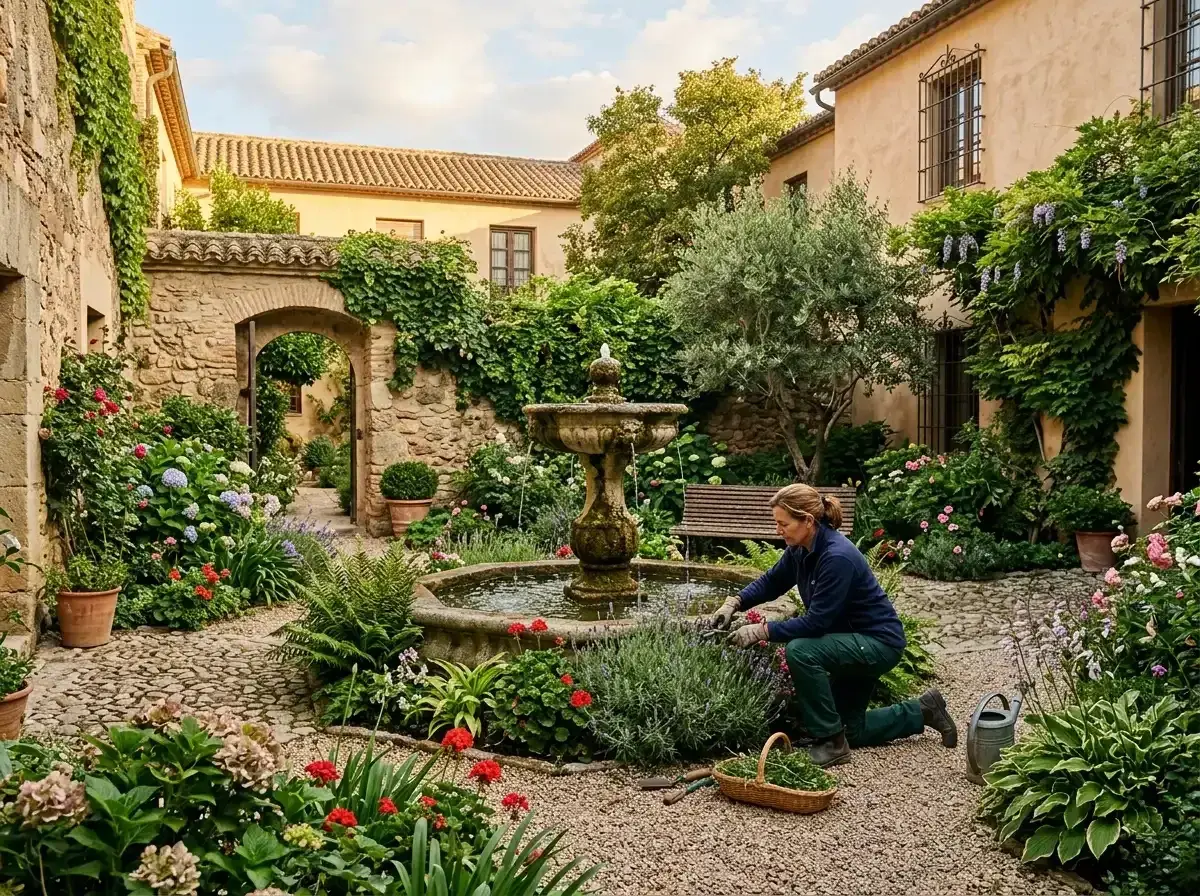
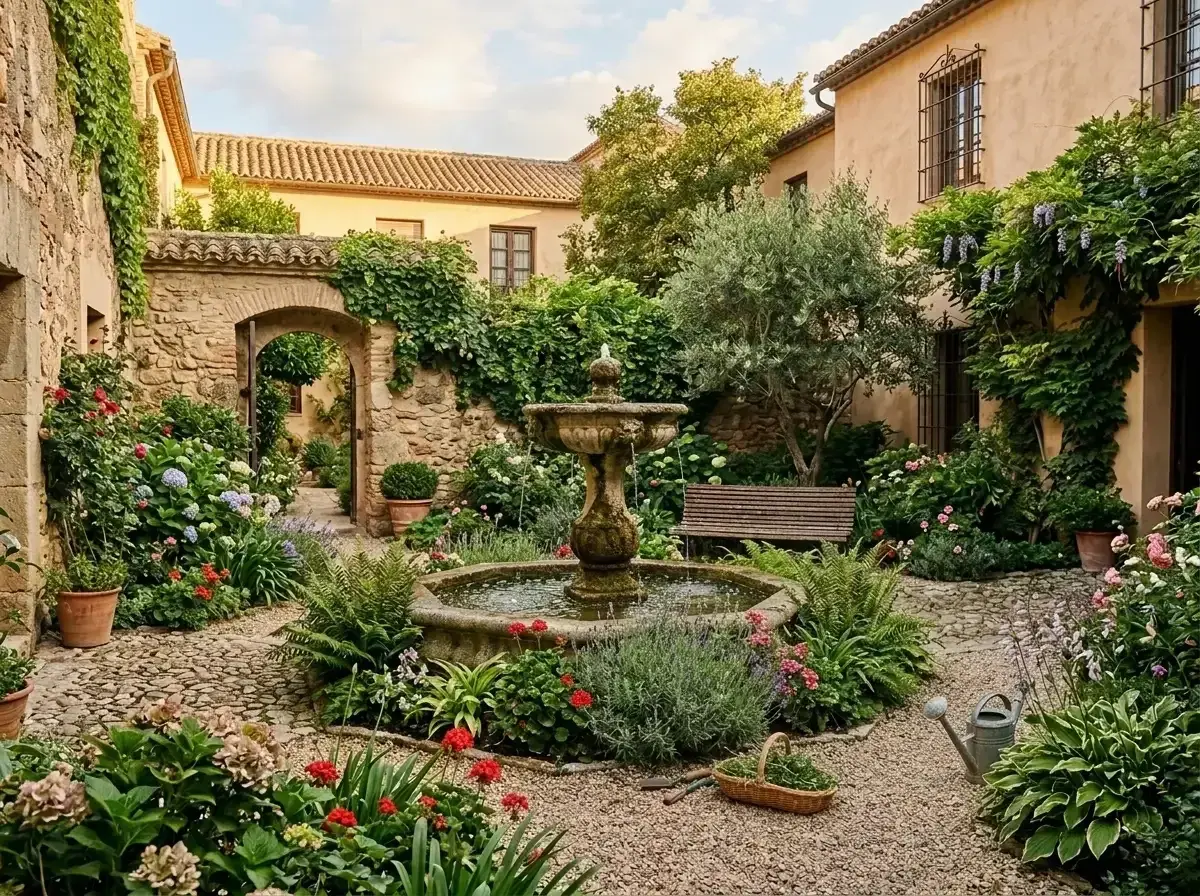 Before → after
Two things send people from Cleanup.pictures to something else, and you have probably hit one of them. Either the brush left a smudge where a person used to be, or the edit came out fine and the free export arrived capped at 720p — 1,280 pixels on the long edge, enough for a social post and useless for a print, a crop or anything you will look at on a real screen.
The first one is not a technique problem. An inpainting brush fills what you painted using the pixels beside it, which is ideal for a sign or a cable and structurally unable to rebuild a doorway that was hidden behind somebody. The more of your frame the person occupied, the more it has to invent, and invention from neighbouring pixels is what smearing is.
removepeople.ai does not ask you to paint anything. Type who should go — "everyone on the terrace", "the woman in the red coat" — and the AI regenerates the frame with the terrace rebuilt behind them. A crowd is one instruction rather than one brush pass per person, every paid tier exports without a watermark, and the sample photos on our homepage run the real editor before you spend anything.
This is one situation the tool handles. Remove people from any photo — upload yours and describe who should go.
Side by side
Both remove things from photographs in a browser. They differ on how you say what should go, and on what you are allowed to do with the file afterwards.
| removepeople.ai | Cleanup.pictures | |
|---|---|---|
| A whole crowd | One sentence, one edit | Brush each person in turn |
| Behind the person | Rebuilt — doorways, railings, horizons | Filled from nearby pixels |
| How you point at it | Describe them in plain words | Brush over the area by hand |
| Export resolution | HD on the pack, 2K on Plus, 4K on Studio | 720p free; full on Pro |
| Watermark | Never, on any tier | None |
| Built for | Removing people and rebuilding scenes | Erasing objects, text and blemishes |
| Cost | $4.99 for three photos, no subscription | Free at 720p; Pro from $3/month annually |
720p is the cap that catches people out
1,280 pixels on the long edge is smaller than the screen you are reading this on. It is fine for a story or a thumbnail, and it falls apart the moment you print it, crop into it, or open it on a laptop — which is usually what you wanted to do with the photograph you just spent time fixing.
Nothing here is capped at a preview size: the pack downloads at HD, Plus at 2K and Studio at 4K, none of them watermarked. Cropping, straightening and re-downloading that result costs nothing further, so the file you end up with is the file you actually wanted.
Painting is the wrong unit of work for a person
A brush is the right instrument for something small in simple surroundings. It is precise, it is fast, and you control exactly which pixels change.
A person breaks it in two ways at once. The region is large, so there is little valid texture nearby to sample; and a person hides structure that must be reconstructed rather than copied — a railing continuing behind them, a doorway, the line where a wall meets a floor. Fill that from neighbouring pixels and you get the characteristic softness that no amount of re-brushing removes.
Then it compounds. Six people on a terrace is six passes, each one working against a background the previous pass already altered.
A worked example: six tourists in front of a fountain
Your family in front, six strangers scattered behind, two of them overlapping carved stonework and one half-hidden by the basin.
Brushed, that is six operations, and the two on the stonework are the difficult ones — the fill must continue a carved edge it cannot see and will blur it instead. By the third pass you are sampling from areas the first two invented.
Described — "the people in the background, keep the family in front" — it is one instruction, one credit, and the fountain comes back as a fountain rather than an average of what was beside it. Drag the slider on the pair above and judge it for yourself; every photograph on this site is a real, unretouched output.
What the $4.99 actually buys
Three photographs, no subscription, no account until you pay, HD output, no watermark, and unlimited cropping and re-downloading of results you have already paid for.
The pictures people bring here are mostly ones that cannot be retaken. Against a wedding, a graduation or a trip you will not repeat, three pounds and change to have the photograph back is not really a pricing decision. If you fix photographs often, Starter is $9 a month for twenty edits.
When a brush is still the better instrument
A logo, a date stamp, a power line, a mark on a wall — something small with simple surroundings. Brushing it is quicker than describing it and nothing else in the frame is touched. A whole-frame regeneration is the wrong size of hammer for a blemish.
The moment the subject is a person, or there are several of them, or something with edges was standing behind them, the arithmetic reverses.
More real results
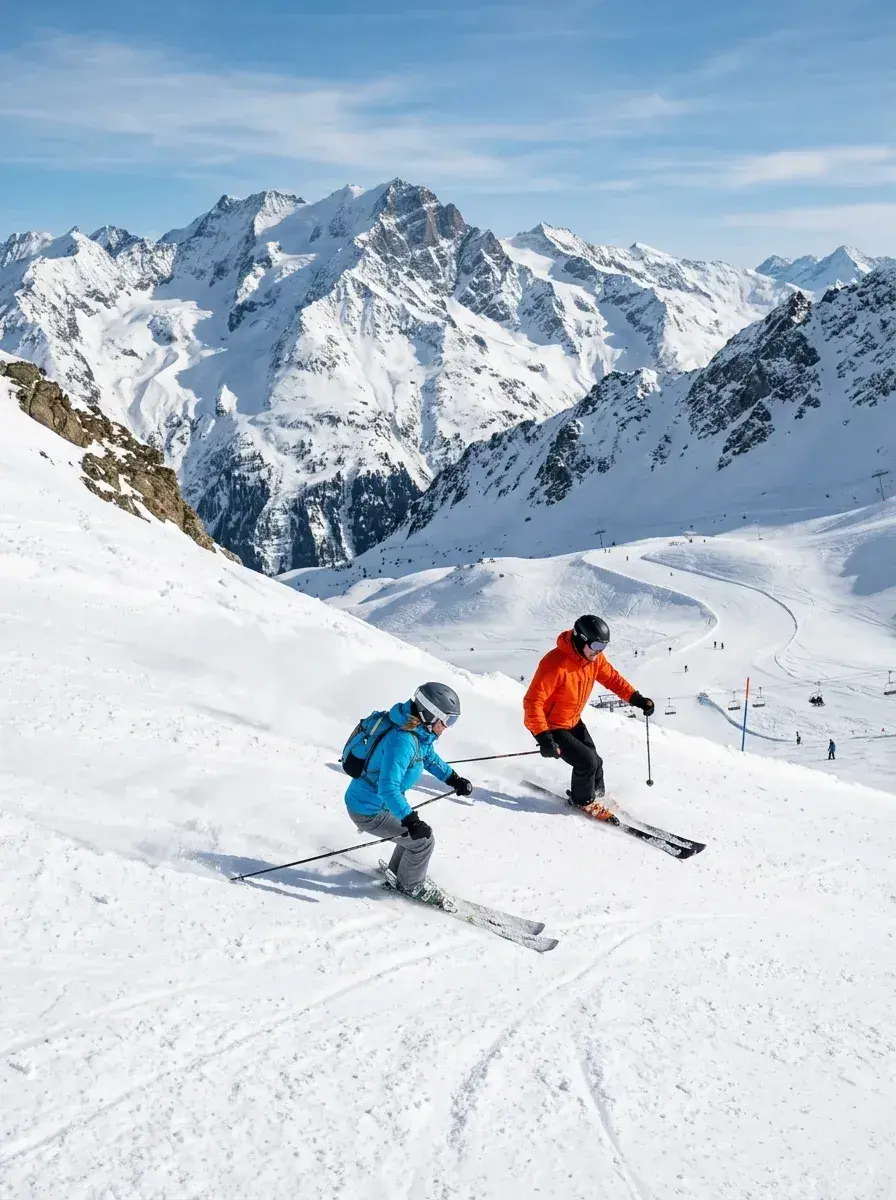
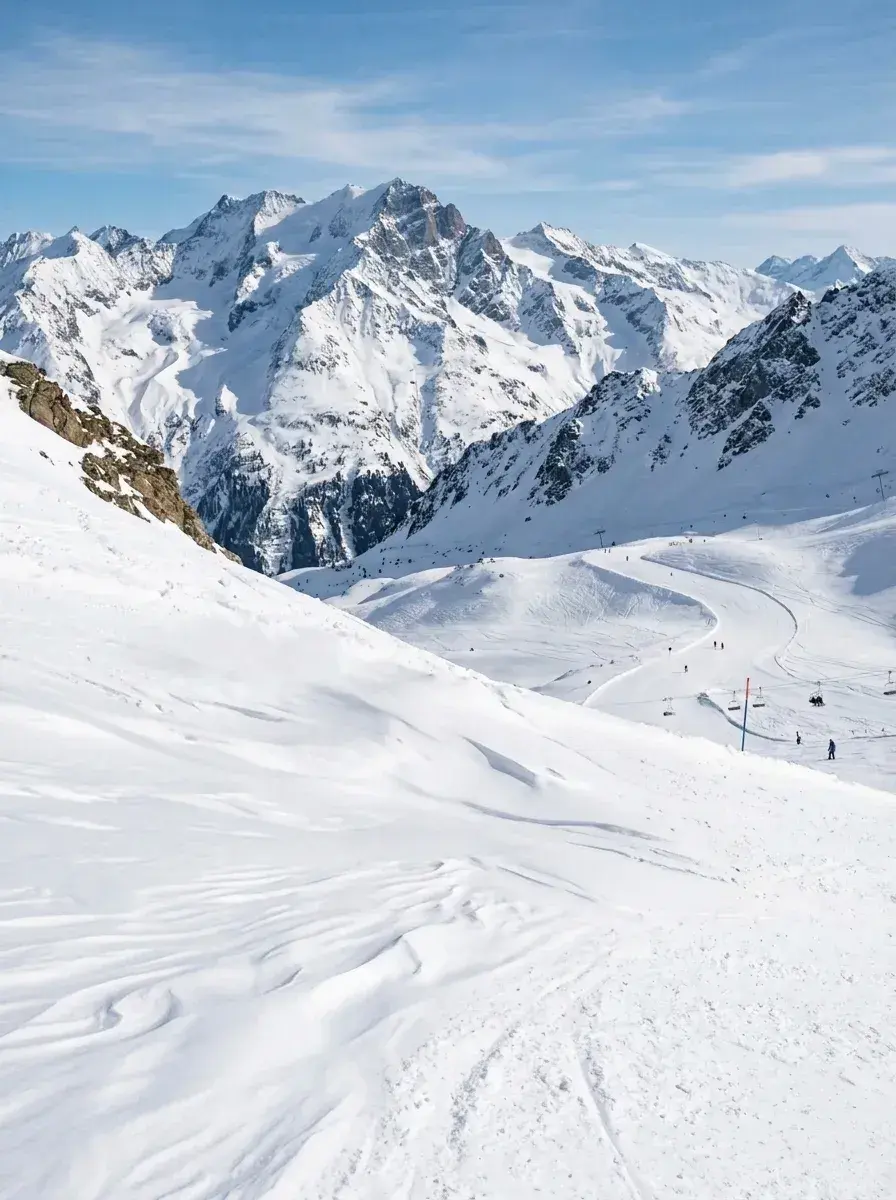 Before → after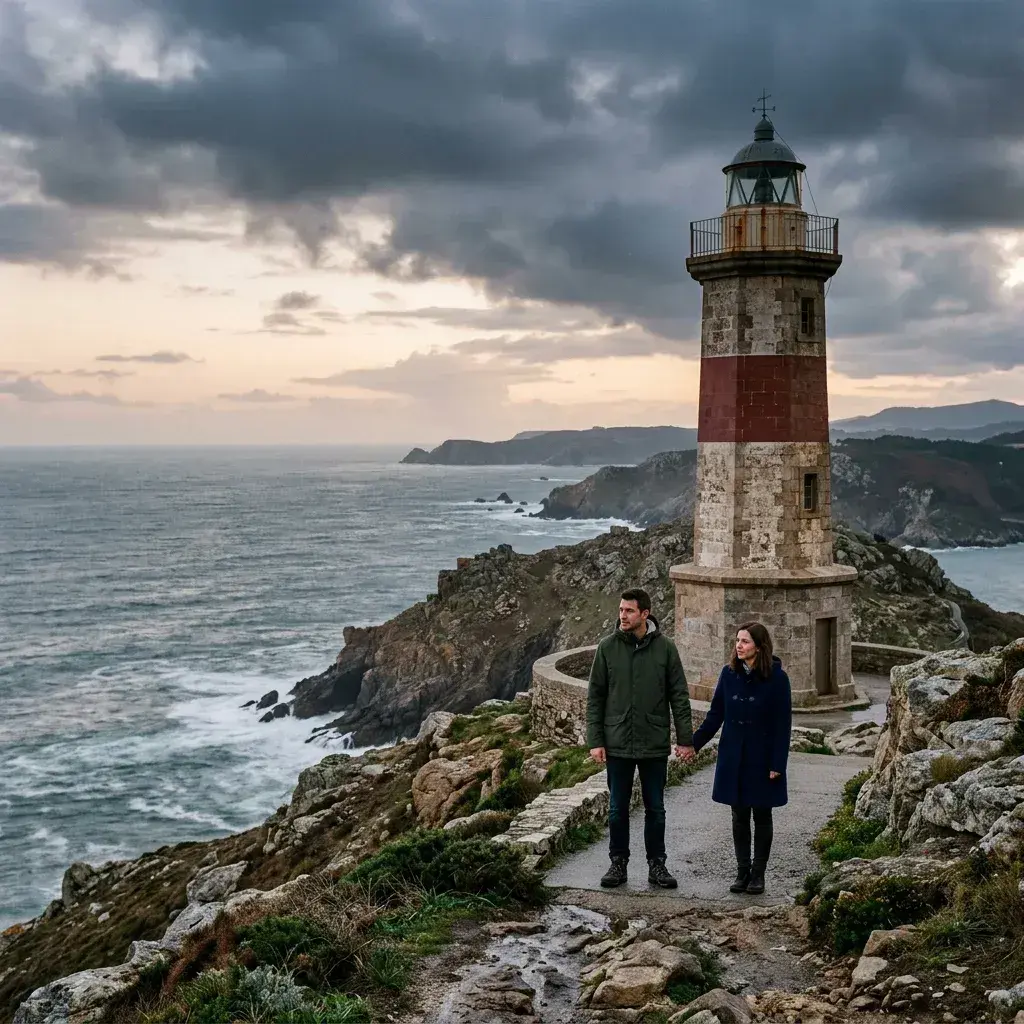
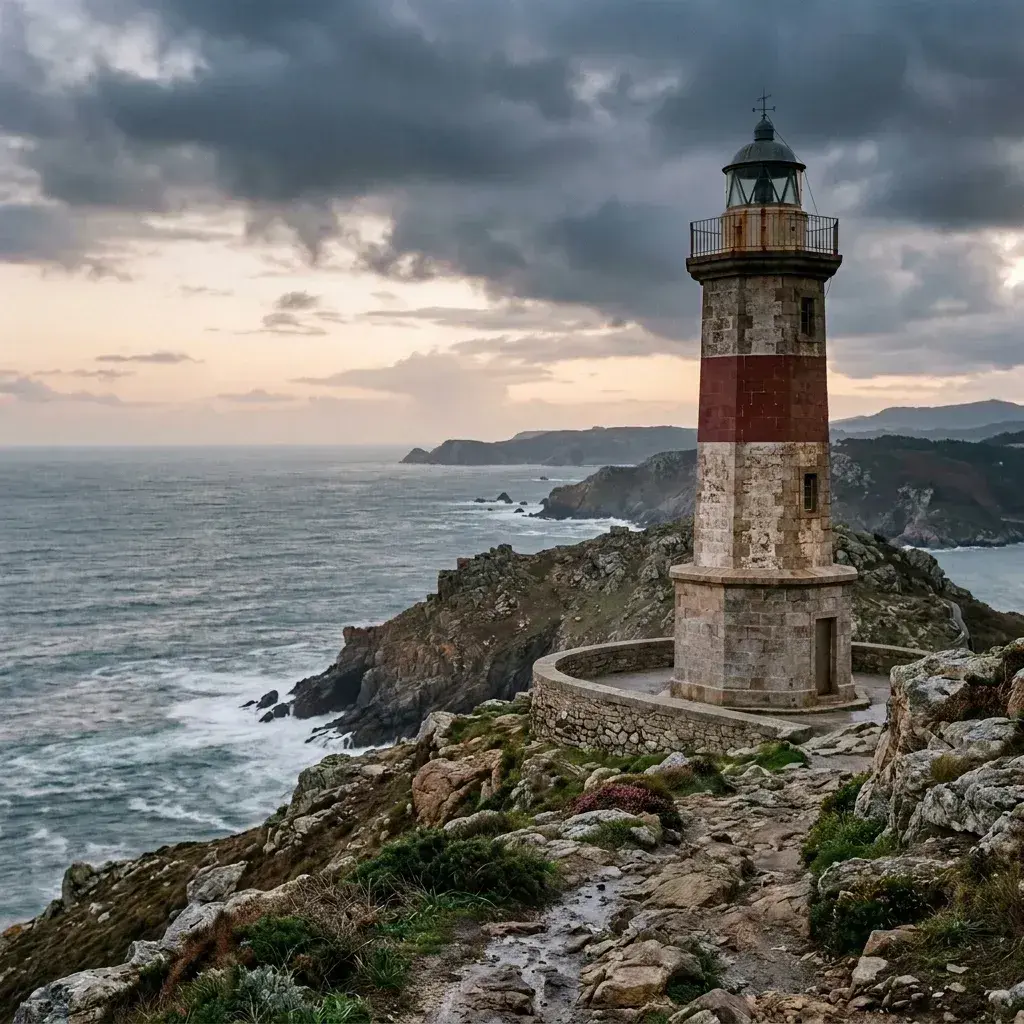 Before → after
Common questions
Why do eraser tools smear on large removals?
What resolution can I download?
Can I remove a whole crowd in one go?
Is Cleanup.pictures free?
What does removepeople.ai cost?
Can I try it before paying?
Is there a brush if I prefer one?
What happens to my photo?
Fix your photo in the next minute
Plans from $9/month · cancel anytime
or drag & drop it here
JPEG · PNG · WebP · up to 20 MB · zero photo storage