Samsung Object Eraser Alternative for Removing People
Object Eraser smudged it, or Generative Edit stamped a Galaxy AI watermark on it. Describe who to remove instead — clean background, clean file, any device. From $4.99.
or drag & drop it here
JPEG · PNG · WebP · up to 20 MB · zero photo storage
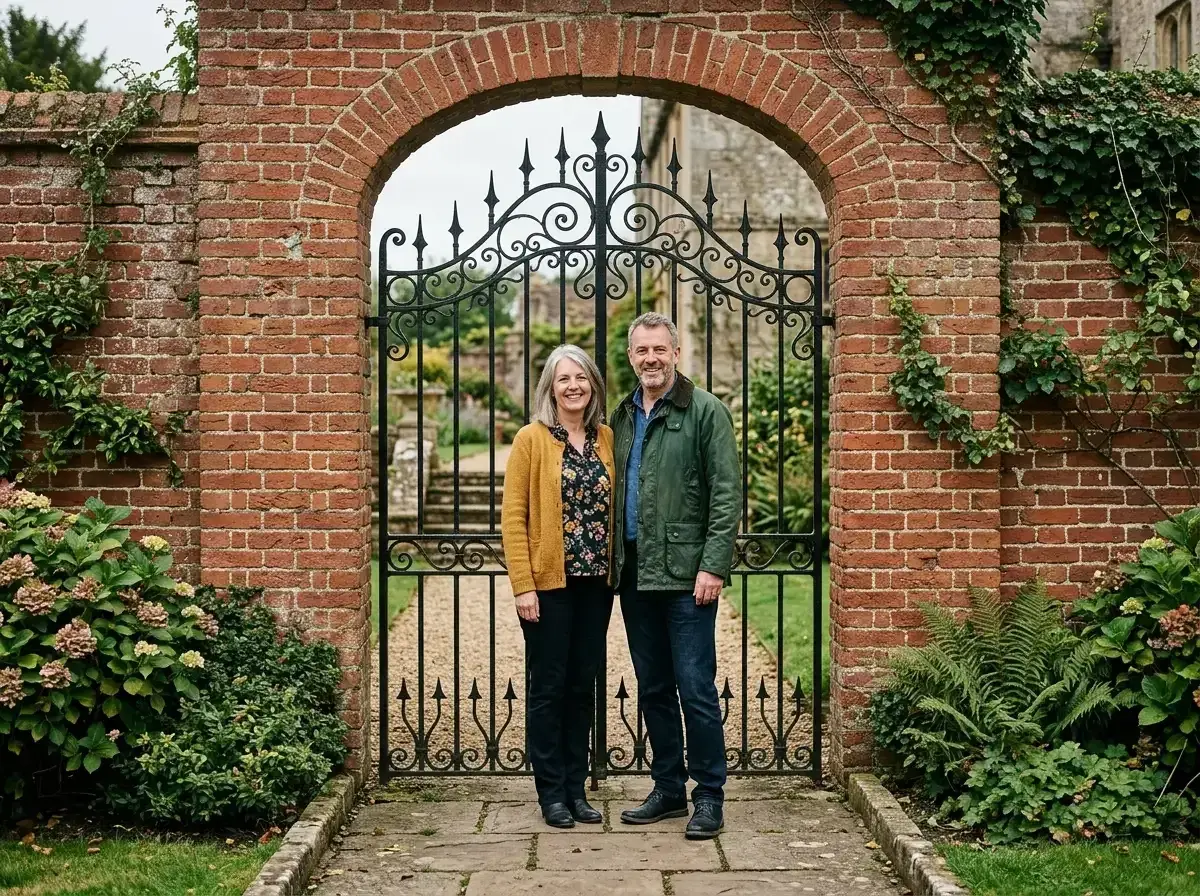
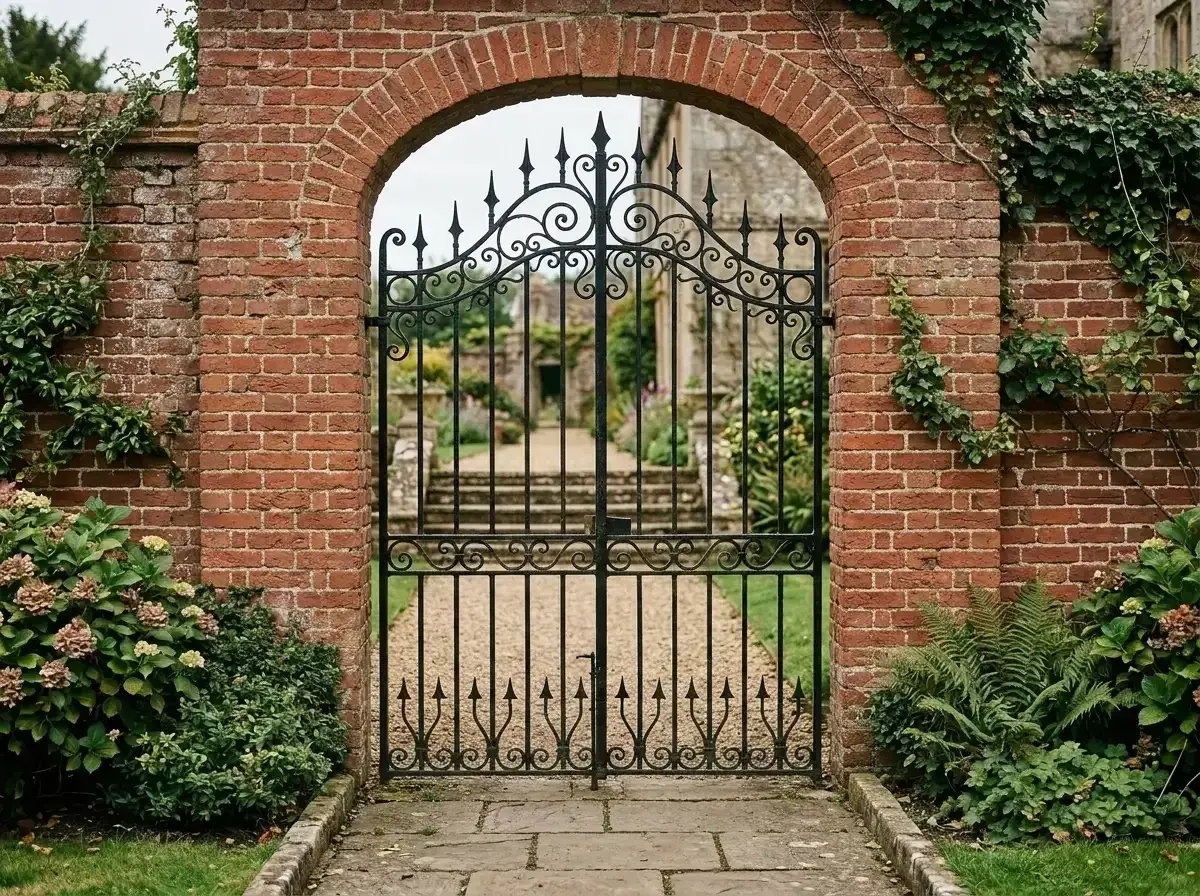 Before → after
On a Galaxy you get two bad options and most people find both. Object Eraser leaves no watermark but smudges anything larger than a small object. Generative Edit actually rebuilds the background — and then stamps a Galaxy AI watermark on your photograph.
So the tool that works marks your picture, and the tool that does not mark it does not work on the shot you care about. That is why Galaxy owners end up deliberately using the weaker one and living with the smear.
removepeople.ai has neither problem. Describe who should go — "the couple standing at the gate" — and the AI regenerates the frame with the ironwork behind them rebuilt as ironwork. Nothing we produce carries a watermark on any tier, including the $4.99 pack, and it runs in a browser on any device. The sample photos on our homepage run the real editor free, before you decide anything.
This is one situation the tool handles. Remove people from any photo — upload yours and describe who should go.
The watermark is the thing people actually hit
Generative Edit is the capable tool of the two — it can genuinely reconstruct what was standing behind a person. Then Samsung puts a Galaxy AI mark in the corner of the result. For a photo you are printing, posting or sending to a client, that mark is the problem even when the edit underneath it is good.
A watermarked photograph has not been fixed. That is why there is no watermark here on any tier, at any price, including the cheapest pack — it is not a premium feature to be unlocked, it is what buying the edit means.
Side by side
Three tools, not two, because on a Galaxy the choice between the two built-in ones is already a decision with a cost attached.
| removepeople.ai | Object Eraser | Generative Edit | |
|---|---|---|---|
| Watermark on your photo | Never, on any tier | None | Galaxy AI watermark |
| Behind the person | Rebuilt properly | Filled from nearby pixels | Rebuilt properly |
| A whole group | One sentence, one edit | One object at a time | One object at a time |
| How you point at it | Describe them in plain words | Mark the object | Mark the object |
| Runs on | Any browser, any phone | Galaxy, S21 and later | S24 line and select models |
| Download size | HD on the pack, up to 4K on Studio | Phone resolution | Phone resolution |
| Cost | $4.99 for three photos | Free on a supported Galaxy | Included with Galaxy AI; terms have changed before |
A worked example: two people at a gate
The photograph at the top of this page is a couple standing in front of a wrought-iron gate — the exact case that separates these tools, because a wrought-iron gate is repeated fine structure and two bodies are hiding a great deal of it.
An eraser has to invent that ironwork from the ironwork beside it, and the bars drift out of rhythm or dissolve into a haze that reads as wrong before you can say why. Described instead, the gate comes back as a gate, bars evenly spaced, carrying on behind where the couple stood.
Drag the slider and judge it. Every photograph on this site is a real, unretouched output.
One sentence for the whole group
Both Samsung tools work object by object. Six people is six passes, and each pass after the first samples from a background an earlier pass invented — which is how a group photo comes out softer than it went in.
"Everyone behind us" is one instruction against the original frame, and one credit, however many people that includes. A group costs the same as a single person here.
What the $4.99 actually buys
Three photographs, no subscription, no account until you pay, no watermark, HD output. Crop, straighten and re-download as often as you like — never another credit.
It also works when the photo is not on your Galaxy: on a laptop, on an older phone in the family, or one somebody sent you. Every built-in tool stops at the edge of the device it shipped with.
If you fix photographs regularly, Starter is $9 a month for twenty edits with unused ones refreshing monthly. Most people start with the pack.
When Object Eraser is the right call
A small object on a simple background — a bin, a sign, a bag on sand. It is free, instant, on the phone the photo is already on, and it adds no mark. Nothing else needs opening.
The line is the same as with every eraser: strong against texture, weak against structure. If something with edges was standing behind your subject, or there is more than one subject, that is the point to describe the photograph instead of marking it.
More real results

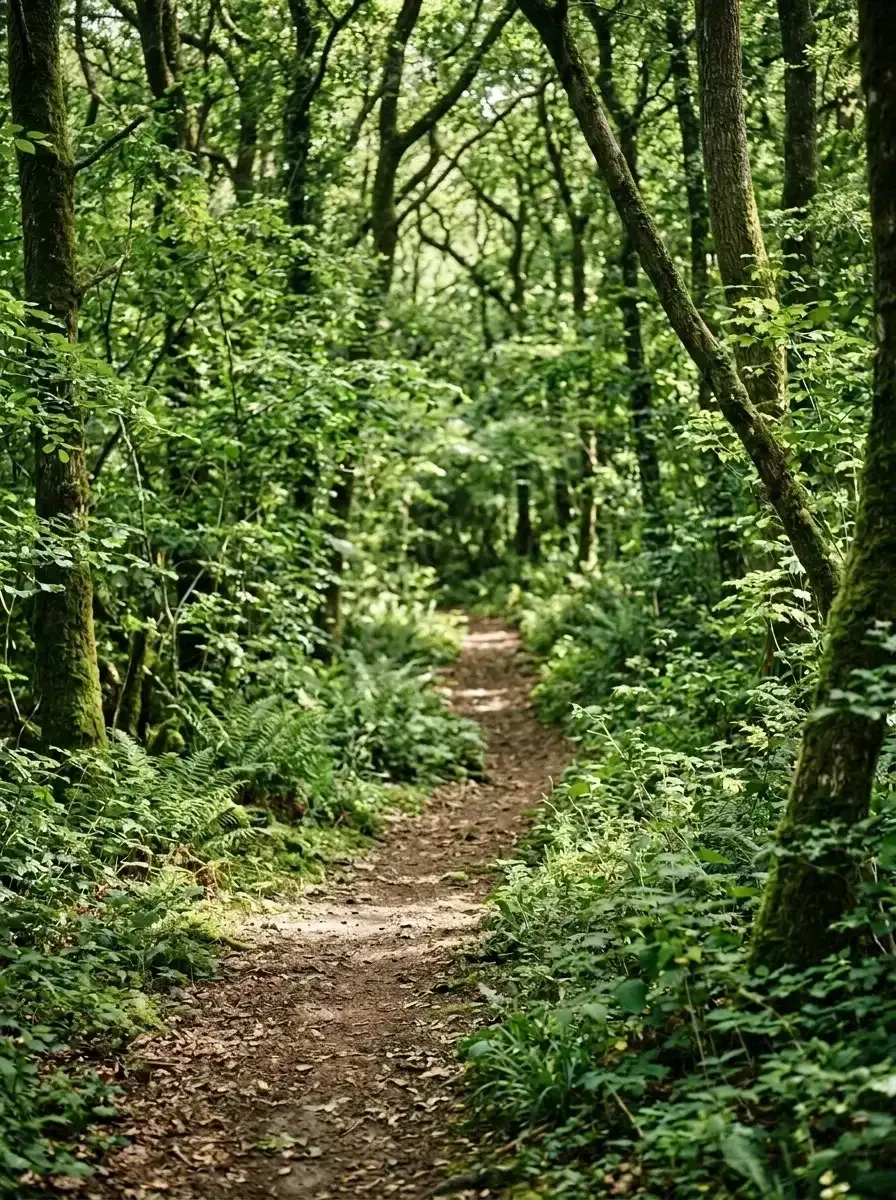 Before → after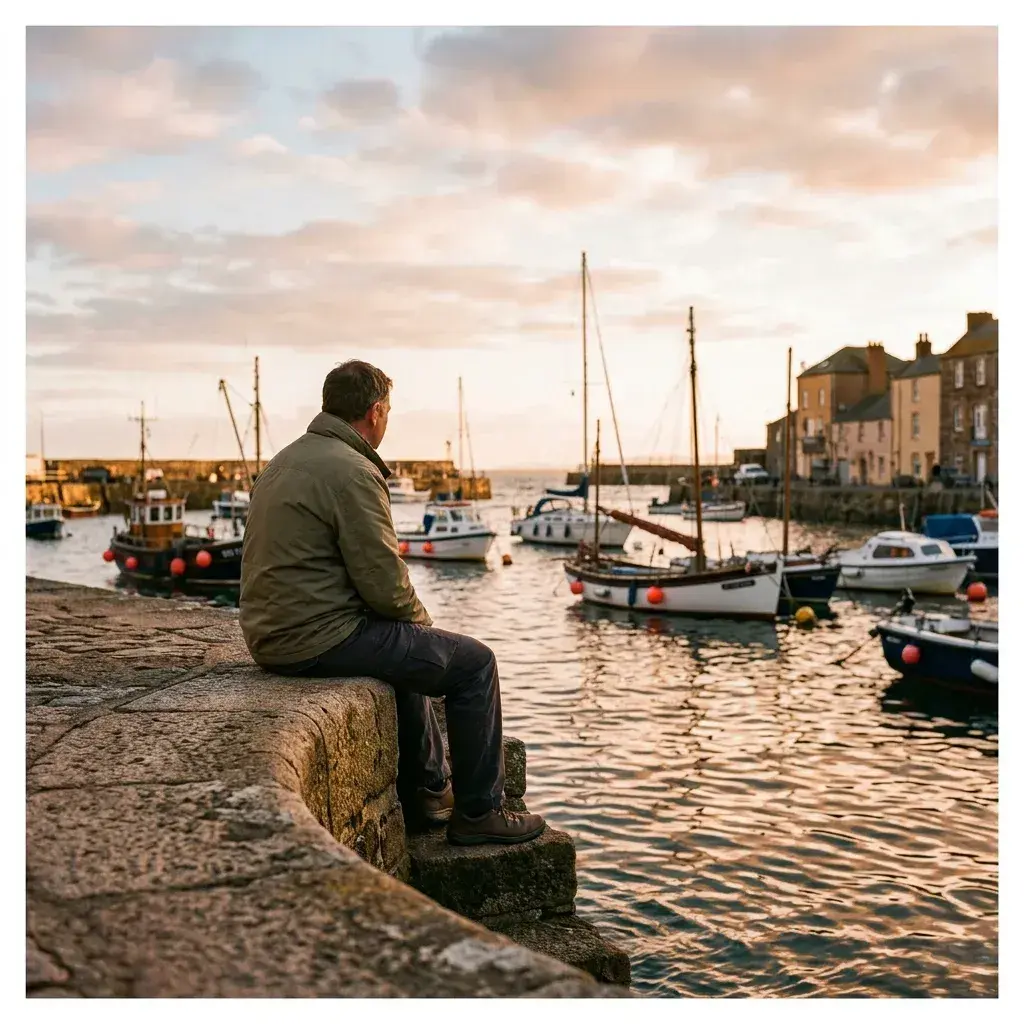
 Before → after
Common questions
How do I remove the Galaxy AI watermark from my photo?
Why does Object Eraser smear where the person was?
Can I remove a whole group at once?
Do I need a Galaxy phone to use removepeople.ai?
Is Galaxy AI still free?
What does removepeople.ai cost?
Can I try it first?
What happens to my photo?
Fix your photo in the next minute
Plans from $9/month · cancel anytime
or drag & drop it here
JPEG · PNG · WebP · up to 20 MB · zero photo storage