Apple Clean Up Alternative for Removing People from Photos
Clean Up greyed out, or leaving a smudge? Describe who to remove and the AI rebuilds the background. Any phone, any age, no app, no watermark. From $4.99.
or drag & drop it here
JPEG · PNG · WebP · up to 20 MB · zero photo storage

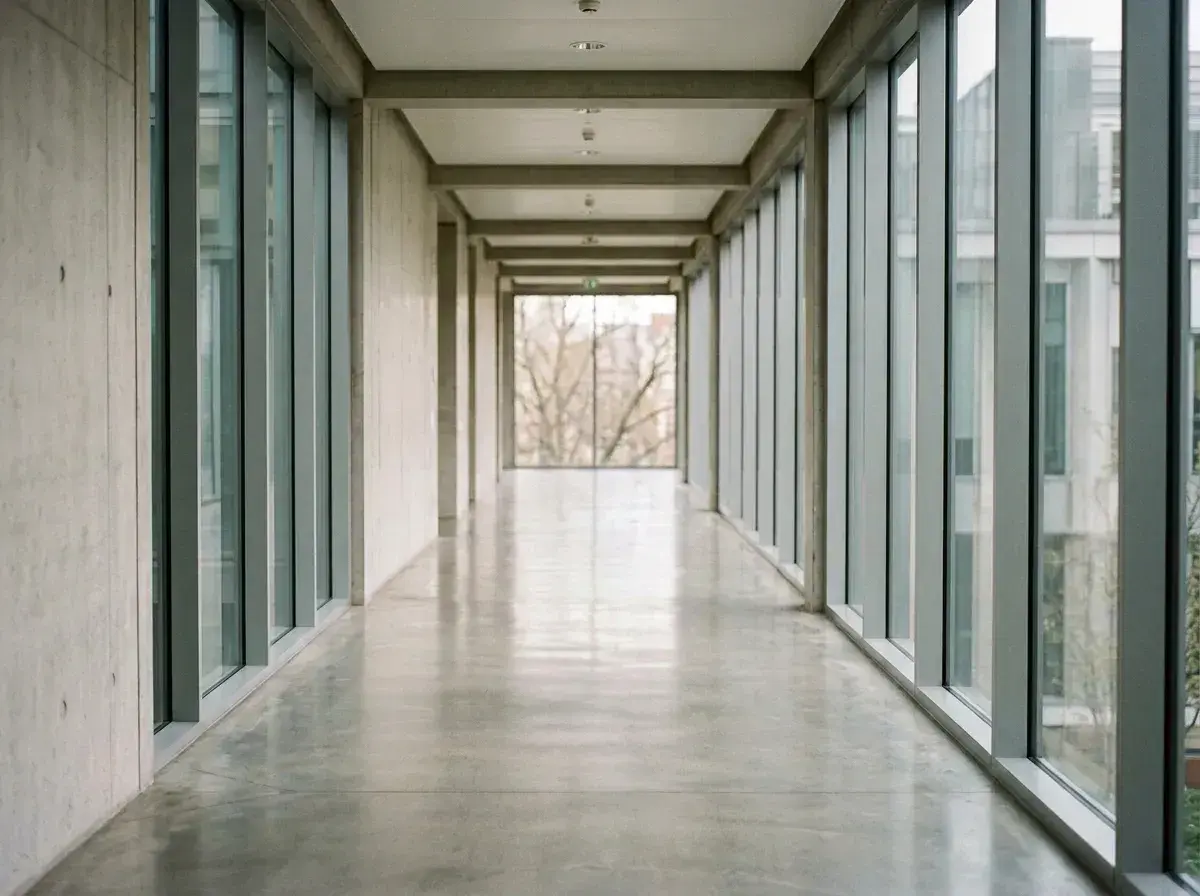 Before → after
Either Clean Up is not on your iPhone at all, or it is and it left a soft patch where the doorway should be. Both send people to the same place, and both have the same root cause: Clean Up is a tap-to-erase tool with a hardware requirement attached.
The hardware part is blunt. Apple lists Clean Up as needing iOS 18.1 or later on an iPhone 16, a 15 Pro or a 15 Pro Max — an iPad with A17 Pro or M1 and later, or a Mac with M1 and later. A standard iPhone 15 does not have it. Neither does a 14 Pro, which was a flagship two years ago and takes photographs every bit as worth saving. There is no update that changes this; there is only buying a phone.
removepeople.ai has no hardware requirement because there is nothing to install. Open a browser on whatever you are holding, type who should go — "the man behind us on the steps" — and the AI regenerates the frame with what was behind him rebuilt rather than blurred. A whole group is one sentence and one edit. The sample photos on our homepage run the real editor, free, before you decide anything.
This is one situation the tool handles. Remove people from any photo — upload yours and describe who should go.
If Clean Up is greyed out on your phone
You are not missing a setting. Apple Intelligence has a hardware floor and Clean Up sits behind it, so on an iPhone 14, a 13, a standard 15 or any Android the feature simply is not there to enable. Every guide that begins "open Photos and tap Edit" is written for someone else's phone.
A browser page does not care what you are holding. The same tool, the same output, on a five-year-old handset, a partner's laptop or a photo somebody emailed you — which is often where the picture actually is.
Side by side
The first row decides it for most people, because no comparison of features matters if the feature is not on your device.
| removepeople.ai | Apple Clean Up | |
|---|---|---|
| Runs on | Any browser, any phone, any age | iPhone 16, 15 Pro / Pro Max only |
| A whole group | One sentence, one edit | One object at a time |
| Behind the person | Rebuilt — doorways, railings, horizons | Filled from nearby pixels |
| How you point at it | Describe them in plain words | Tap, brush or circle |
| Needs | A browser | iOS 18.1 and Apple Intelligence |
| Watermark | Never, on any tier | None |
| Download size | HD on the pack, up to 4K on Studio | Phone resolution |
| Cost | $4.99 for three photos, no subscription | Free on a supported device |
Tapping one thing at a time is the other limit
Even on a phone that supports it, Clean Up removes objects one at a time. Five strangers behind your family is five taps, and every fill after the first is sampling from a background an earlier fill already altered — which is why group shots come out looking softer than they went in.
"Everyone except the family in front" is one instruction, resolved once against the original frame, costing one credit however many people that turns out to include.
A worked example: a stranger on a long path
The photograph at the top of this page is a woman with a backpack walking away down a path that narrows into trees. Foliage either side, no hard edges.
This is the easy case, and a tap-to-erase tool does it well — leaves next to leaves is exactly the guess an eraser is good at. Now put the same figure in front of a fence, a bench or a row of windows and the fill has to continue lines it cannot see. That is when the edges come back subtly bent, and that is the case this tool was built for.
The rule worth remembering: erasers are strong against texture and weak against structure.
What the $4.99 actually buys
Three photographs, no subscription, no account until you pay, no watermark, HD output. Cropping, straightening and re-downloading a result you have already paid for costs nothing further.
The photographs people bring here are usually ones that cannot be retaken — a wedding, a graduation, a trip they will not repeat. Set against that, three pounds and change to have the picture back is not really a pricing decision. If you fix photographs often, Starter is $9 a month for twenty edits.
If your iPhone does support Clean Up
Then for a small object on a simple background it is right there, it is free, and it runs on the device — use it and enjoy it. The photographs it does not solve are the ones with a person in front of something built: architecture, railings, furniture, a shopfront. And groups, which it handles one tap at a time.
One honest note on privacy, since Apple's on-device processing is a genuine advantage: your photo does reach our servers. It is processed in memory and never stored, there is no gallery and nothing is retained after the request, and EXIF including GPS is stripped before upload — but that is a different guarantee from a file that never leaves the phone, and you should weigh it as one.
More real results

 Before → after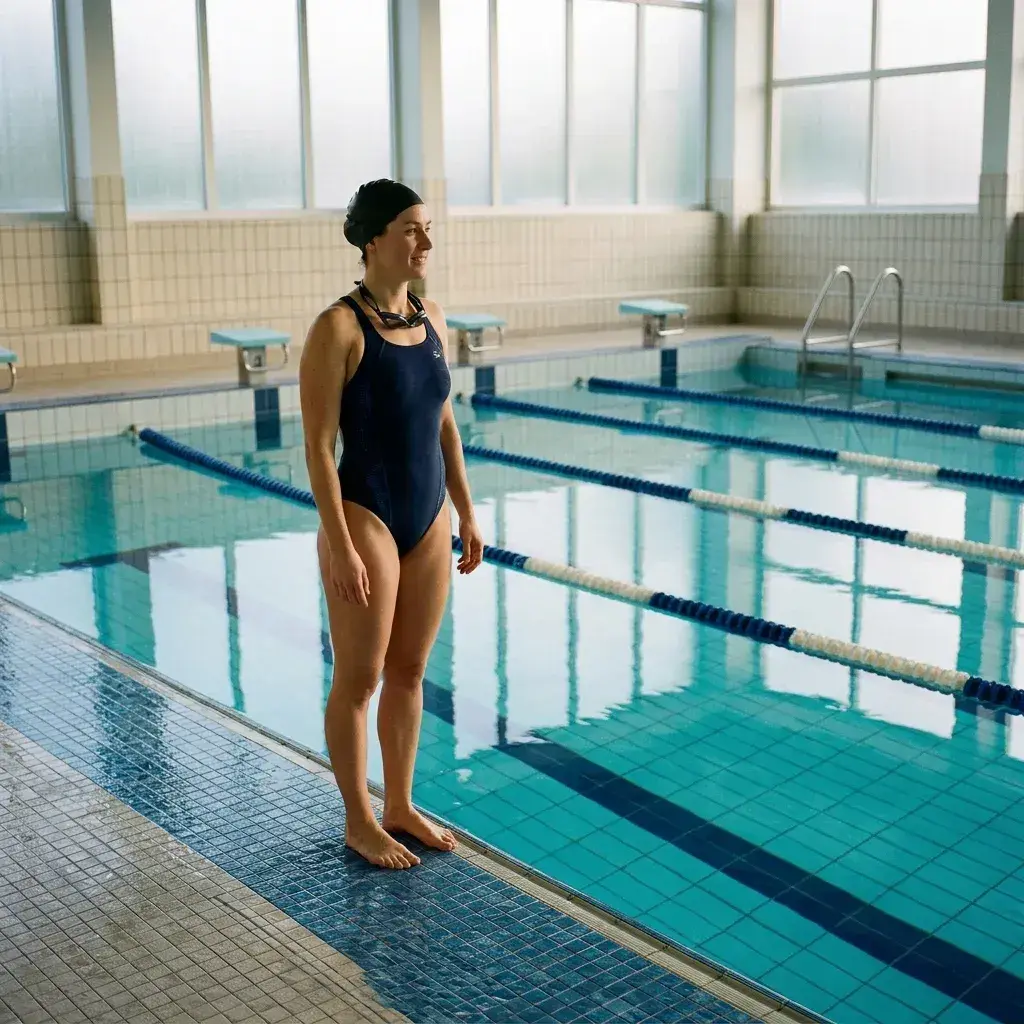
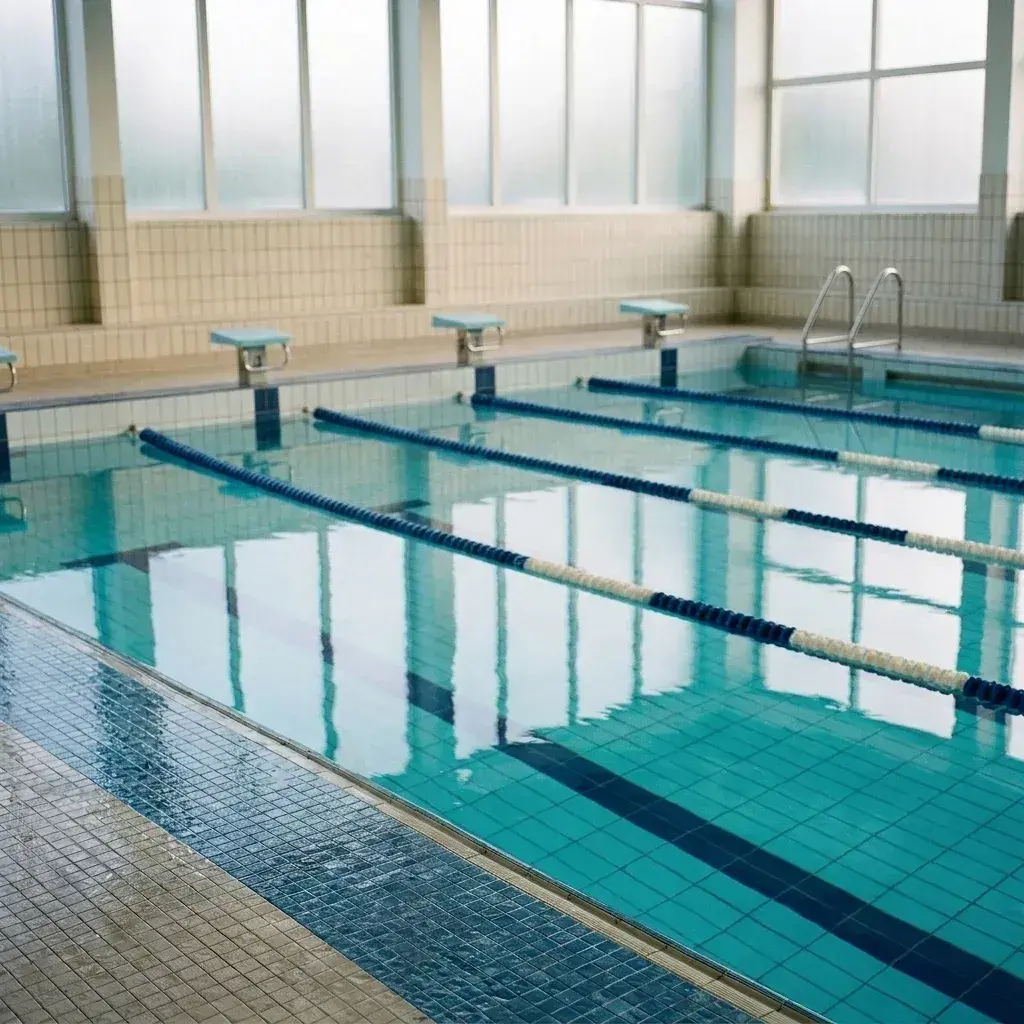 Before → after
Common questions
Why is Clean Up not on my iPhone?
What can I use instead on an older iPhone or on Android?
Can I remove several people at once?
Is there a watermark on the download?
What does it cost?
Can I see it work before paying?
Does my photo leave my device?
Does it work on photos someone sent me?
Fix your photo in the next minute
Plans from $9/month · cancel anytime
or drag & drop it here
JPEG · PNG · WebP · up to 20 MB · zero photo storage